Book a cab in Fiji.See the fare before you book.
Skip airport negotiations. Book with drivers whose documents were reviewed, read the fare estimate, track the cab on a live map, and start the trip with a 4-digit PIN.
Enter pickup and destination, pick a ride type, then review the estimate. You book in the app. We don’t list prices on this site.
Ride types
Economy
Everyday fare
Fare = base + distance + time. High-demand pricing can apply.
- Fare firstEstimate on screen
- Live TrackingWatch cab arrive
- Pickup PINStart ride safely
Cab Connect Passenger
Book · Track · Cash FJD
Seru Koroi
Silver Toyota Aqua · LT 8821
Your Pickup PIN
4829
Driver enters this to start
Fare estimate
Shown in app
Cash FJD to the driver
How booking works
Open the app, see the fare, pay cash at the end.
Choose route and view fare
Set pickup and destination in the passenger app. Review the estimate — base, distance, and time — before you request.
Match driver and pickup PIN
A nearby online driver accepts. You see driver details and a 4-digit PIN. The trip starts after the driver enters that PIN.
Ride, confirm and pay cash
Pay the driver in Fijian dollars at the end. Cards and wallets are not in the app yet. Share a PDF receipt from the trip screen.
Landing at Nadi?
Call +679 9680798 with your flight time and we’ll try to have someone there. It isn’t a sure thing, and we’re not a night desk. Use the app once you have data.
Cities on Viti Levu — not every island.
Most days drivers are online in Suva, Lami, Nausori, and Nadi. Lautoka, Ba, and Denarau when a driver is online. Viti Levu only — not Vanua Levu, Taveuni, Yasawa, or the Mamanuca islands.
Nadi Airport taxi
Call before you land and we’ll try to send someone. Then use the app once you have data, and show the PIN.
Suva, Lami & Nausori
Capital-side trips most days — CBD, hospital, campus, Lami, and Nausori when a nearby driver is online.
Nadi town & airport corridor
Town, Wailoaloa, Martintar, and the Queens Road toward NAN — most days on the west coast.
Denarau Island
Resort porte-cochères and the marina precinct if someone nearby is receiving rides.
Lautoka & Ba
Port, market, and the northern corridor — not daily supply. Both pins must be in area.
What you get in the app
Fare first, a map of the car, and a PIN at pickup.
Fare on screen before you book
See the estimate before you request — base, distance, and time. High-demand pricing can apply. No meter haggling at the kerb.
In the passenger app
Estimate before you confirm
Watch the car on the map
Watch the assigned driver on the map as they approach your pin — hotel driveway, arrivals exit, or a town address.
Pickup PIN
The trip starts when the driver types your 4-digit PIN. Helps at a busy hotel or arrivals.
Saved places
Save your resort, home, or a frequent pin so the next trip starts from a known address — not a one-tap repeat of the last ride.
PDF trip receipts
After the trip, share a PDF receipt from the trip summary — useful for expenses, not a tax invoice from Cab Connect.
Nearby online drivers
Requests go to nearby drivers who are online with a fresh GPS location. Wait time depends on who is on duty.
Visiting Fiji?
Arrive with a plan
Call us if you’re landing at Nadi. Use the Android app for the rest of your stay.
Nadi Airport pickups
Call +679 9680798 before you land and we’ll try to send someone. No booking form on this site, and we can’t promise a car.
App once you have data
Install from Google Play. Later trips show the fare on screen.
English in the apps
Both apps are in English. Most days drivers are online in Suva, Lami, Nausori, and Nadi. Lautoka, Ba, and Denarau when a driver is online. Viti Levu only — not Vanua Levu, Taveuni, Yasawa, or the Mamanuca islands.
What visitors get
PIN at pickup
Show the 4-digit code so the right car starts the trip.
Cash in FJD
Pay the driver at the end. Cards are not in the app yet.
Map, not guesswork
Watch the assigned driver approach instead of waiting at a stand.
Fares
Know the fare before you ride
We don’t list prices on this site. The app shows an estimate for your route before you confirm. A higher fare can apply when high-demand pricing is on.
01
Base fare
Starting amount for the trip
02
Distance
Added from the route
03
Time
Added for duration, including slower traffic
04
Tax
Included when the operator has set a rate
Ride types in the app
The passenger app offers Economy, Comfort, and Premium. Each type is a different fare. The estimate is in the app. This site doesn’t quote a price.
Airport pickups arranged by phone can be quoted when you call. Ask for an airport quote.
Built into the trip
PIN at pickup, a live map, and documents checked before a driver goes online.
Document review before driving
Drivers upload a licence, national ID, registration, insurance, and vehicle photos. An operator reviews them before rides start.
4-digit pickup PIN
The driver must enter the PIN shown in the passenger app before the trip can start.
Live map and share ride
Watch the assigned driver on the map. From SOS you can share ride details with someone else on your phone.
Contact after assignment
Passenger phone and email stay hidden while the app is still searching. After a driver is assigned, you can call each other.
In-app SOS dialer
During an active trip, SOS opens your phone dialer for Fiji Police 917, Ambulance 911, or Cab Connect support. It is not a monitored emergency desk.
Two-way ratings
Passengers and drivers rate each completed trip. Optional cash tips are paid directly to the driver.
Read how pickup PIN, document review, and SOS work in the apps.
Safety details →Drive when you want. Keep the cash.
Offers show the fare before you accept. Airport and city trips, pickup PIN, cash to you — no per-ride commission.
They pay you in cash
No per-ride cut. The passenger pays you at the door.
Your hours
Go online when you want work. GPS has to be on to get requests.
Nearby offers
When you are online with fresh GPS, nearby requests can reach the lock screen — including airport and resort pins.
Document onboarding
Upload licence, national ID, registration, insurance, and vehicle photos. Start receiving rides after operator review.
Get the apps
Available on Google Play for passengers and drivers on Viti Levu. Most days: Suva, Lami, Nausori, and Nadi.
Cab Connect Passenger
Book in the app, review the fare estimate, track your cab on the live map, confirm pickup with a PIN, and pay the driver in cash.
Scan with your phone camera, or open Google Play.Open Google Play on this phone.
GET IT ONGoogle PlayDownload passenger QR poster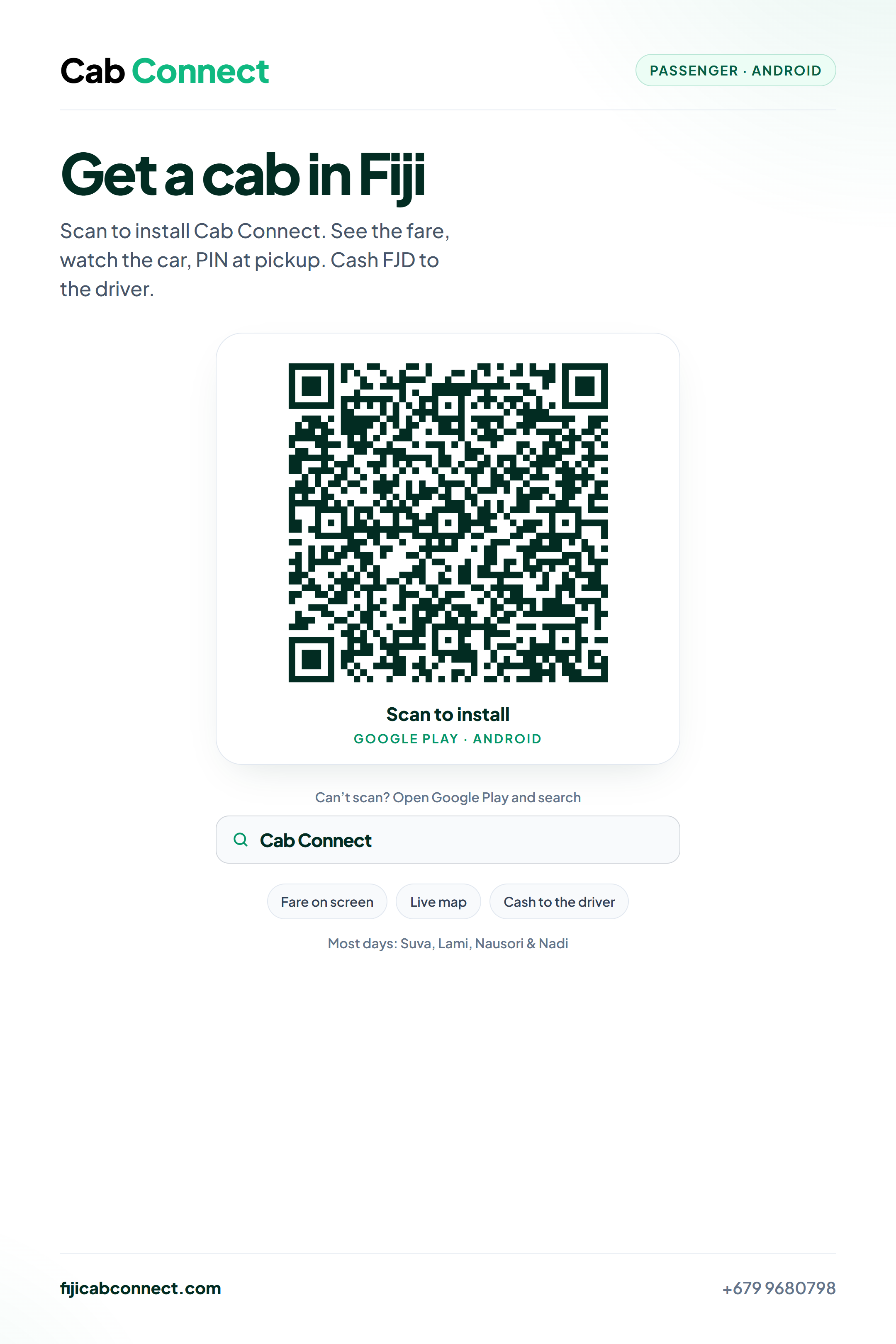
Cab Connect Driver
Turn on GPS to get nearby requests, including airport jobs. Check the PIN, keep the cash, and see earnings in the app.
Scan with your phone camera, or open Google Play.Open Google Play on this phone.
GET IT ONGoogle PlayDownload driver QR poster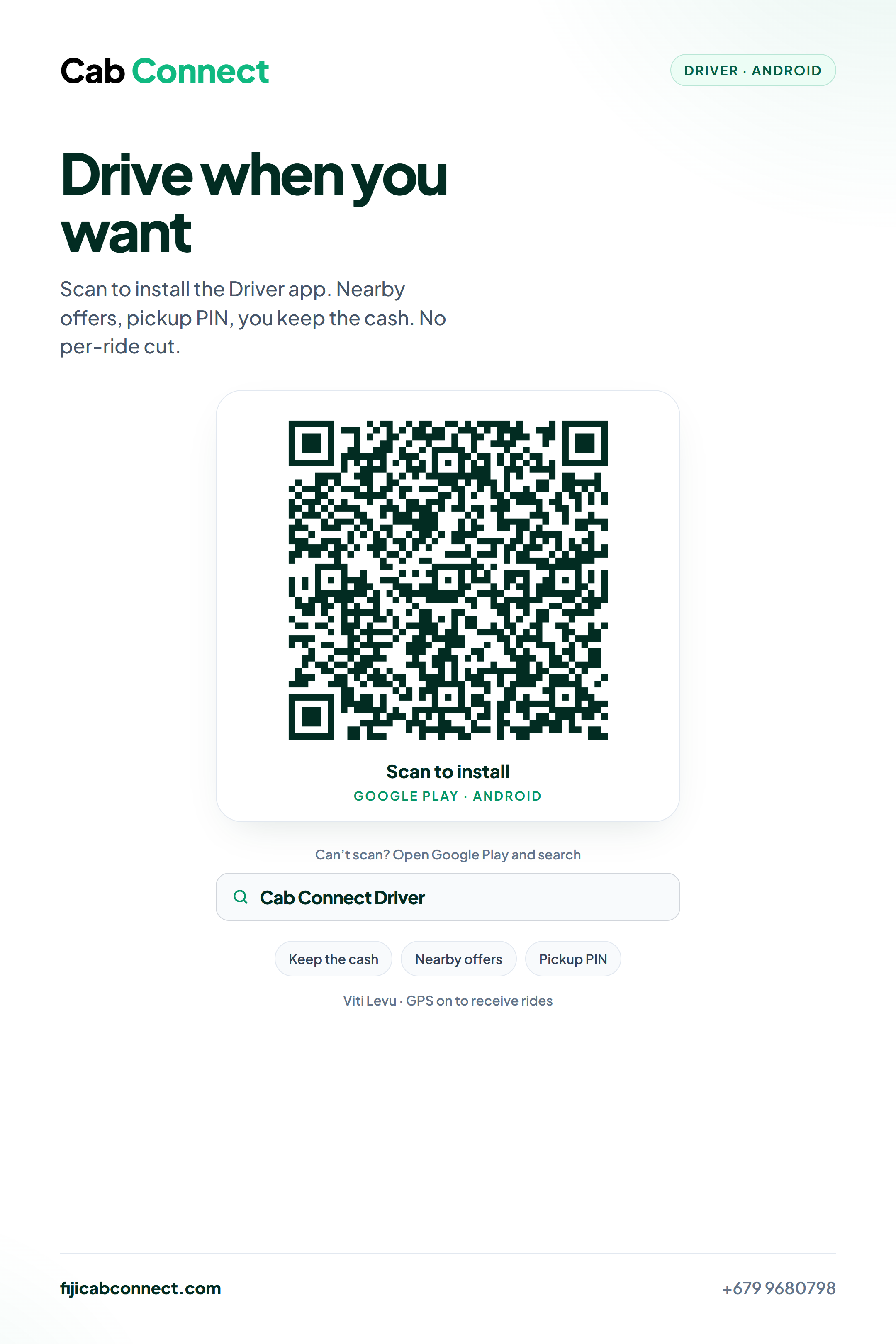
Questions people ask
Booking in the app, Nadi Airport pickups, cash fares, and how drivers go online.
For passengers
Get the passenger app on Google Play, enter pickup and destination, pick Economy, Comfort, or Premium, check the fare, then tap Request Ride. Landing at Nadi? Call +679 9680798 or WhatsApp. You can’t book on this website.
Fares use a base amount plus per-kilometre and per-minute charges, with tax when the operator has set a rate. The estimate is shown before you confirm. High-demand (surge) pricing can apply.
Cash in Fijian dollars, paid to the driver at the end of the trip. Cards and mobile wallets are not in the app yet. Optional cash tips are paid directly to the driver.
Most days on Viti Levu in Suva, Lami, Nausori, and Nadi. Lautoka, Ba, and Denarau when a driver is online. Nowhere else. If a pin is outside the area, or the trip is too long, the app won’t book it. Nadi to Suva and the Coral Coast haven’t been tried as a product.
Yes. After a driver is assigned, the passenger app shows a 4-digit PIN. The driver must enter it before the trip can start.
Yes if you want to book and watch the car. Phone and WhatsApp (+679 9680798): call before you land and we’ll try to send someone for the airport. Not a sure car, and not a night desk. This site doesn’t finish a booking.
WhatsApp is the fastest way in the apps. You can also email [email protected], call +679 9680798, or use this website’s contact form ([email protected]).
Not yet. Both apps are Android-only on Google Play.
For drivers
Send the contact form with “Become a Driver”, or install the Driver app and complete registration. You upload documents; an operator reviews them before you receive rides.
A valid licence, a registered vehicle, valid insurance, photos of your documents and vehicle (licence, national ID, registration, insurance, vehicle photos), and an Android phone with GPS and data.
The passenger pays you in cash. The app does not take a per-ride commission and does not send weekly bank payouts. Earnings history is in the Driver app.
You only receive new rides when GPS is on and recent. If location is off or stale, the app shows that you are not receiving rides.
No. The platform allows one live trip per driver.
Airport pickup or app support. The form doesn’t book a ride.
Contact us →Get in touch
Airport pickups, drivers, support
The form emails the team. It doesn’t book a ride. We reply when we can. We’re not a night desk.
Coverage
Viti Levu only
Most days drivers are online in Suva, Lami, Nausori, and Nadi. Lautoka, Ba, and Denarau when a driver is online. Viti Levu only — not Vanua Levu, Taveuni, Yasawa, or the Mamanuca islands. Rides must start and end inside the live service area.